How it works
The six phases every VibeStack Builder™ app goes through — the same process that built VibeStack Builder™ itself.
You read no code and write none, and nothing here asks for software development knowledge you don’t have. At the end of phase 5 you have a fully functional app running on your own accounts. Every change you ask for after that updates the plan first, rebuilds only the parts it touches, and is tested against the updated plan — so you iterate that same app toward production-ready the same way you built it, in plain English.
Phase 0 — Connections
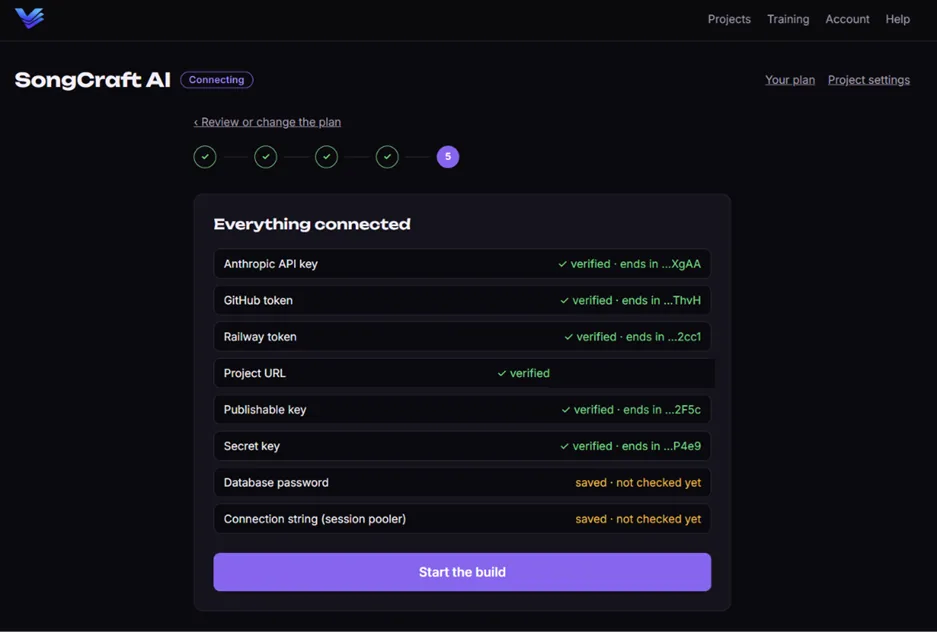
A guided wizard connects the four accounts you’ll own: Anthropic (the AI), GitHub (the code), Railway (the hosting), and your database. One service per screen, exact clicks, and a live “Verify” that must turn green before you move on. Connecting your own Anthropic key is BYOAPI in practice — from here on the AI bills you directly, at cost. Your Anthropic key comes first, before the interview; the rest — GitHub, Railway, your database — you connect when you’re ready to build.
Phase 1 — The interview
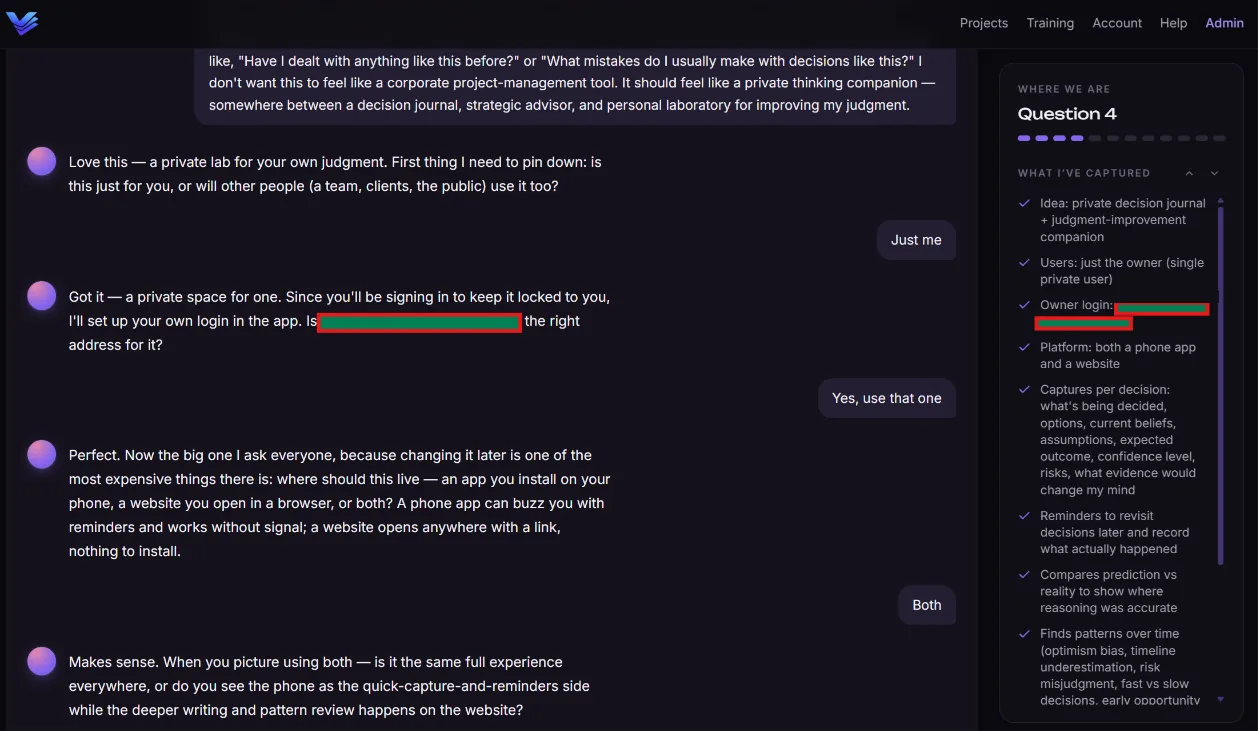
Six to ten questions, one at a time, in normal language. Who uses it? What does a normal day with it look like? What does it keep track of? When there’s a sensible set of options you tap a chip instead of typing. At the end you get a playback — “here’s what I heard” — and nothing proceeds until you say it’s right.
Phase 2 — The blueprint
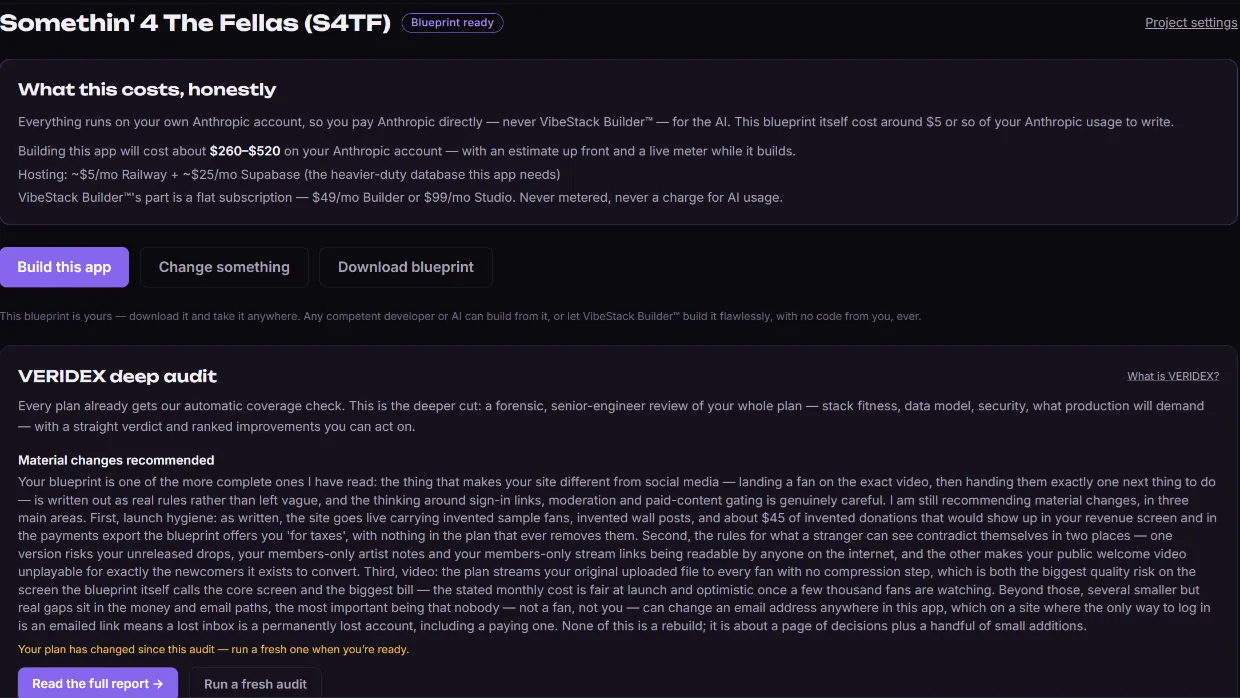
The engine writes a complete technical specification, then shows you the plain-English version: what it does, the screens, the data, what happens automatically, and an honest cost estimate — our flat price, your expected Anthropic usage ($150–$275 to build it and put it live; changes after that will be charged directly by Anthropic on your key), and hosting (~$5/mo). Changes are cheap here and expensive later, so this is a real checkpoint.
Phase 3 — The data model
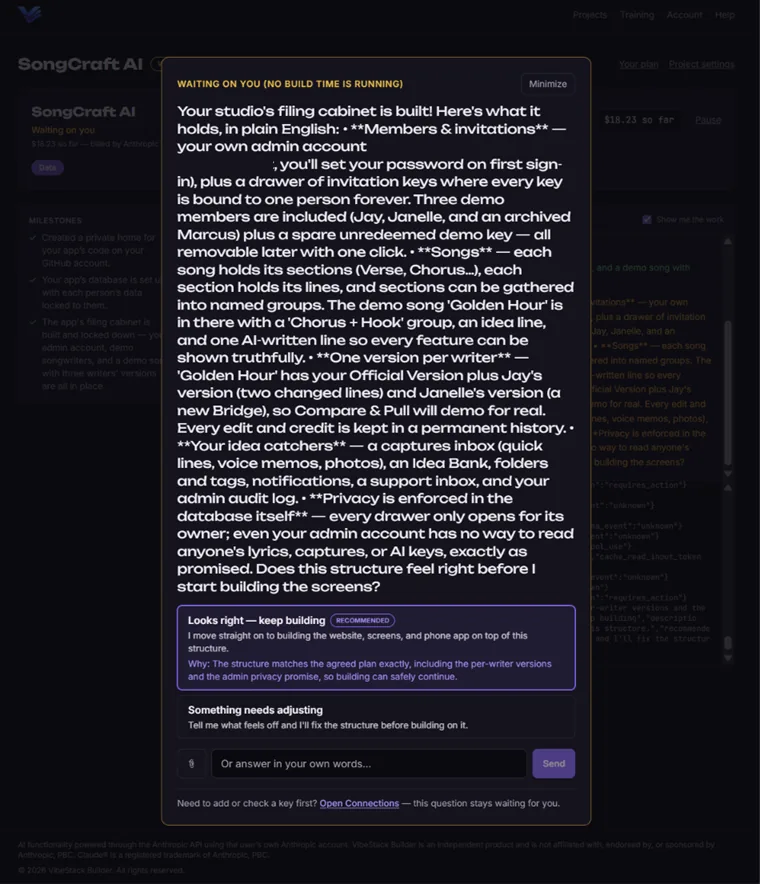
Your app’s filing cabinet is created for real — every table, every field, seeded with realistic sample rows so the next phase has something to test against. You approve the structure before anything is built on top of it.
Phase 4 — Build & test
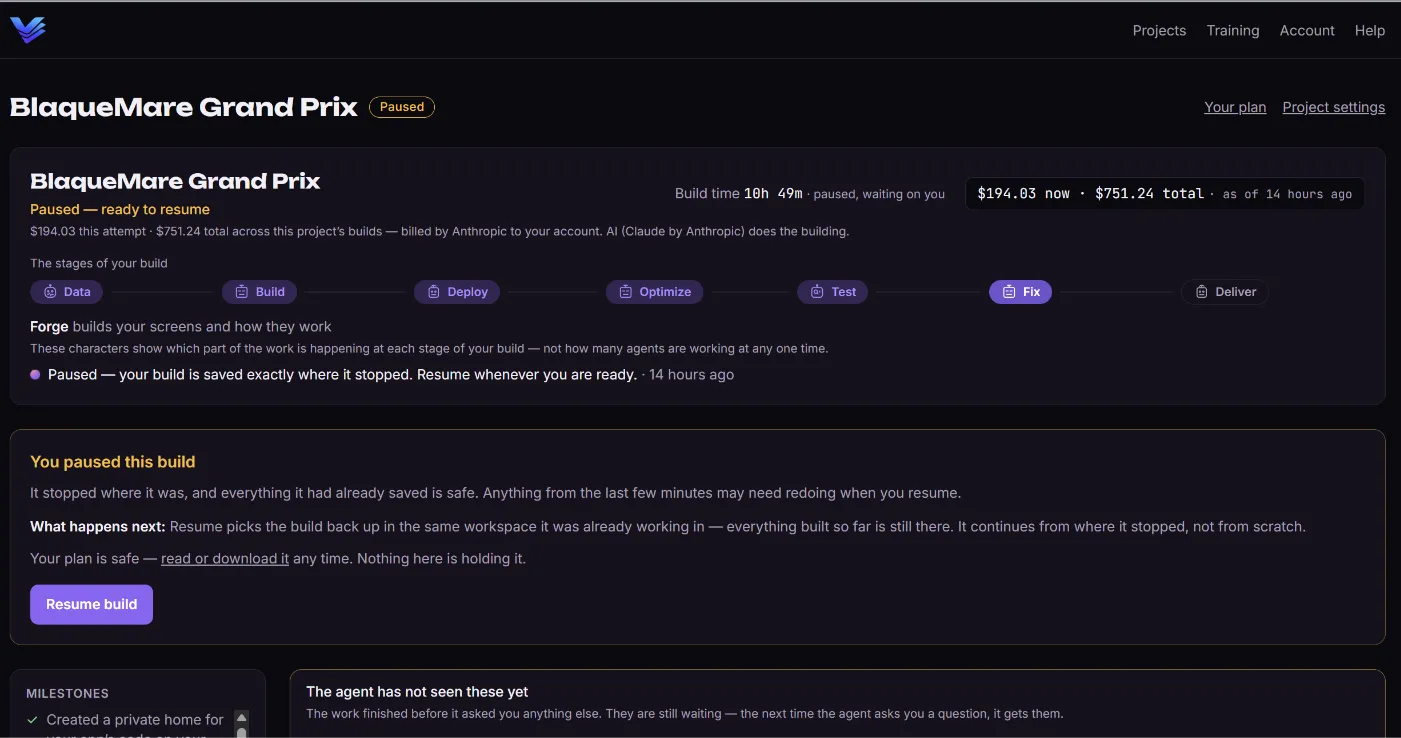
The build agent writes the app against the blueprint while you watch a plain-English feed: “Building the customer list screen…”, “Testing what happens when a form is submitted empty…”. A separate QA agent grades the work against the plan — builders never grade their own homework. A live meter shows your actual AI spend as it happens.
Phase 5 — Deploy & handoff
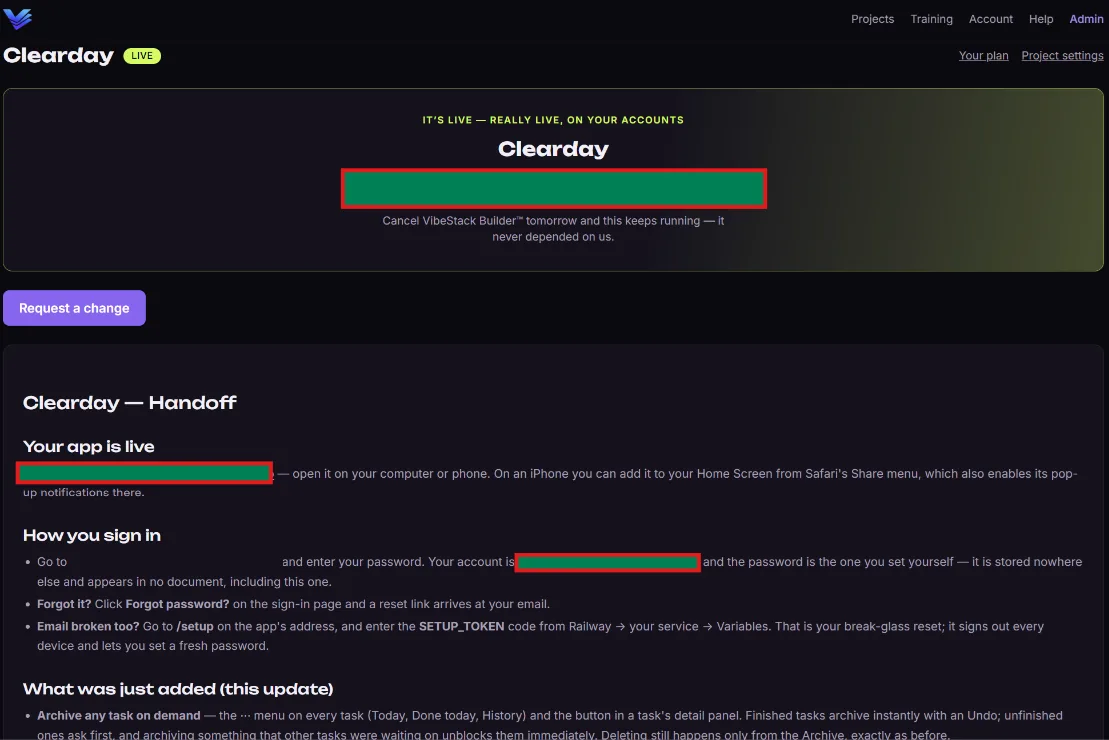
Your app has been running on YOUR Railway with YOUR credentials since the build phase — this is where it gets checked and handed over. The security gate runs real requests against the real thing: your data isn’t open, no secrets sit in the code, the app answers its health check, and logins work where the plan requires them. Nothing is handed over until it passes. What you get is a fully functional app — not a mockup — doing the job you described, plus the live URL, a 60-second tour, and a handoff document. Changes are one chat away, and that is the road from a working first version to a production-ready product.